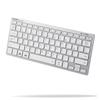
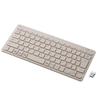
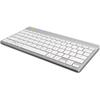
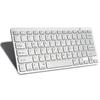
Como usar:
1. Insira duas baterias AAA (baterias vendidas separadamente).
2. Ligue o interruptor de alimentação na parte de trás.
3. Pressione a tecla de conexão na parte traseira para ativar o emparelhamento de código do teclado e entrar no modo de emparelhamento de código.
3. Abra o seu tablet/computador, procure pelo teclado BT e clique em "Conectar". O dispositivo exibirá o código de entrada. Digite o código de entrada no teclado e pressione Enter. Após o pareamento bem-sucedido, você pode começar a usá-lo.
Especificações:
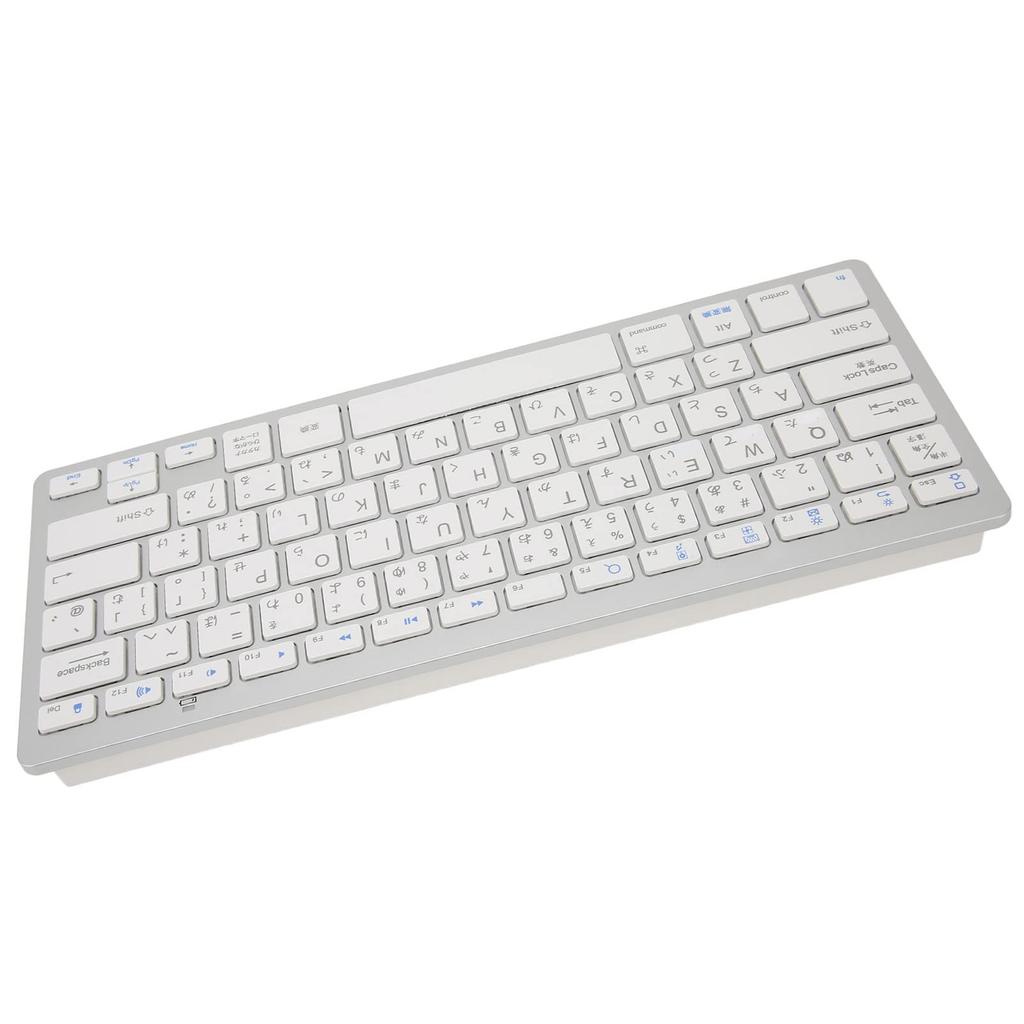
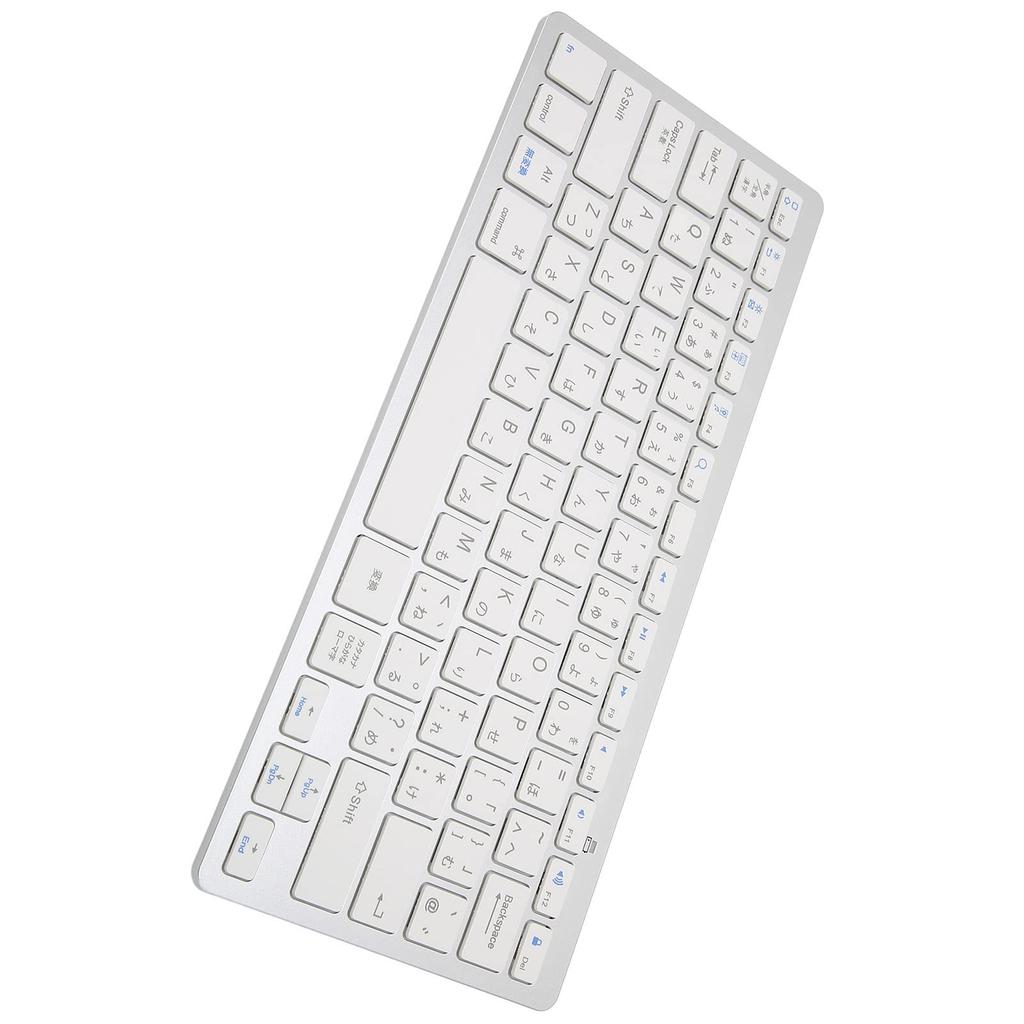
Tipo de item: Teclado sem fio
Material: ABS
Tamanho: Aproximadamente. 285 x 120 x 18mm / 0,9 x 0,2 x 0,4in
Peso do teclado: Aproximadamente. 273g / 9.6oz
Sistemas aplicáveis: Para iOS, Android, Windows
Método de Conexão: BT3.0 Sem Fio
Alcance Sem Fio: Aproximadamente. 10m / 10.9yd
Baterias: 2 pilhas AAA (não incluso)
Atalhos de comutação de linguagem:
1. Para OS X: Ctrl + Barra de Espaço
2. Para Windows: Shift + Ctrl (Nota: A tecla de troca de idioma no teclado coreano só está disponível no Windows. Ao usar um tablet OS X ou iOS, você só pode trocar de idioma usando Ctrl + Barra de Espaço.)
Lista de Pacotes:
1 x teclado sem fio (Baterias não incluídas) 1 x manual do usuário
Nota:
1. Este produto não inclui pilhas AAA. Pilhas AAA são vendidas separadamente.
2. Este não é o teclado original do sistema OS X, mas suporta o sistema OS X.
3. As versões nova e antiga deste produto são enviadas aleatoriamente, portanto, verifique antes de fazer o pedido.
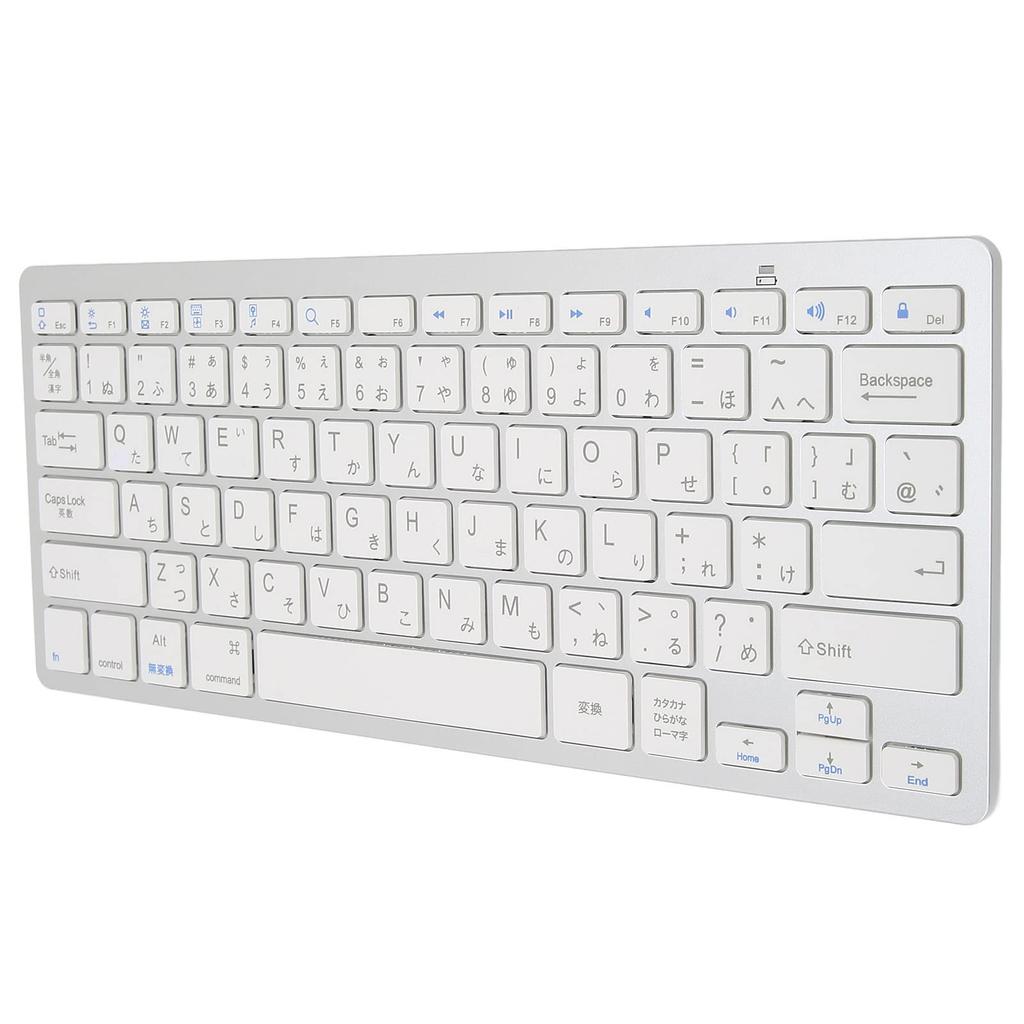
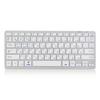
Operação Fácil - Este switch de teclado sem fio é simples, tem boa resposta tátil e é silencioso, para não incomodar os outros.
Pequeno e Portátil - Este teclado ultrafino é leve e fácil de transportar, tornando-o adequado para viagens, viagens de negócios, bibliotecas, cafés, etc.
Troca de Sistema - Pressione fn + Q no iOS/OSX, fn + W no Android e fn + E no Windows.
Longa Vida Útil - Feito de material ABS de alta qualidade, este teclado é robusto, durável e resistente ao desgaste, garantindo uma longa vida útil.
Compatibilidade Multi-Sistema - Este teclado de PC é amplamente utilizado e pode ser usado com os sistemas iOS, Android e Windows.




 Reembolso por não entrega




![Elecom Teclado Bluetooth Pantógrafo Mini Teclado Compatível com Android Branco Windows, Mac, iOS, [Modelo Leve] TK-FBP102XWH](https://img.joomcdn.net/53c03f31e152500ba45f3be7cb8723631b88a1d0_100_100.jpeg)