How to Use:
1. Insert two AAA batteries (batteries sold separately).
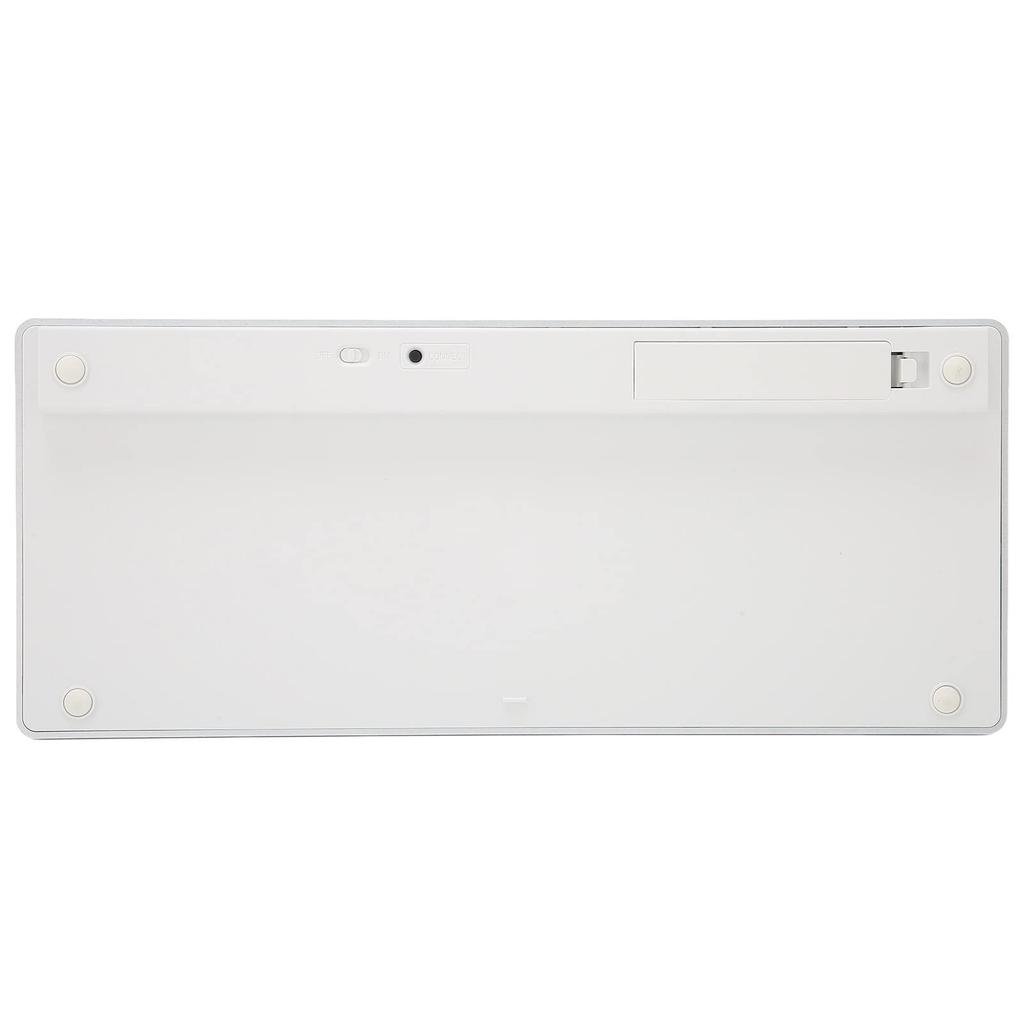
2. Turn on the power switch on the back.
3. Press the connection key on the back to activate keyboard code matching and enter code matching mode.
3. Open your tablet/computer, search for the BT keyboard, and click "Connect." The device will display the input code. Enter the input code on the keyboard and press Enter. After successful pairing, you can start using it.
Specifications:
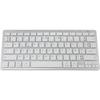
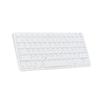
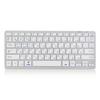
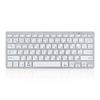
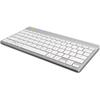
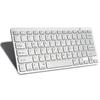
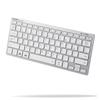
Item Type: Wireless Keyboard
Material: ABS
Size: Approx. 285 x 120 x 18mm / 0.9 x 0.2 x 0.4in
Keyboard Weight: Approx. 273g / 9.6oz
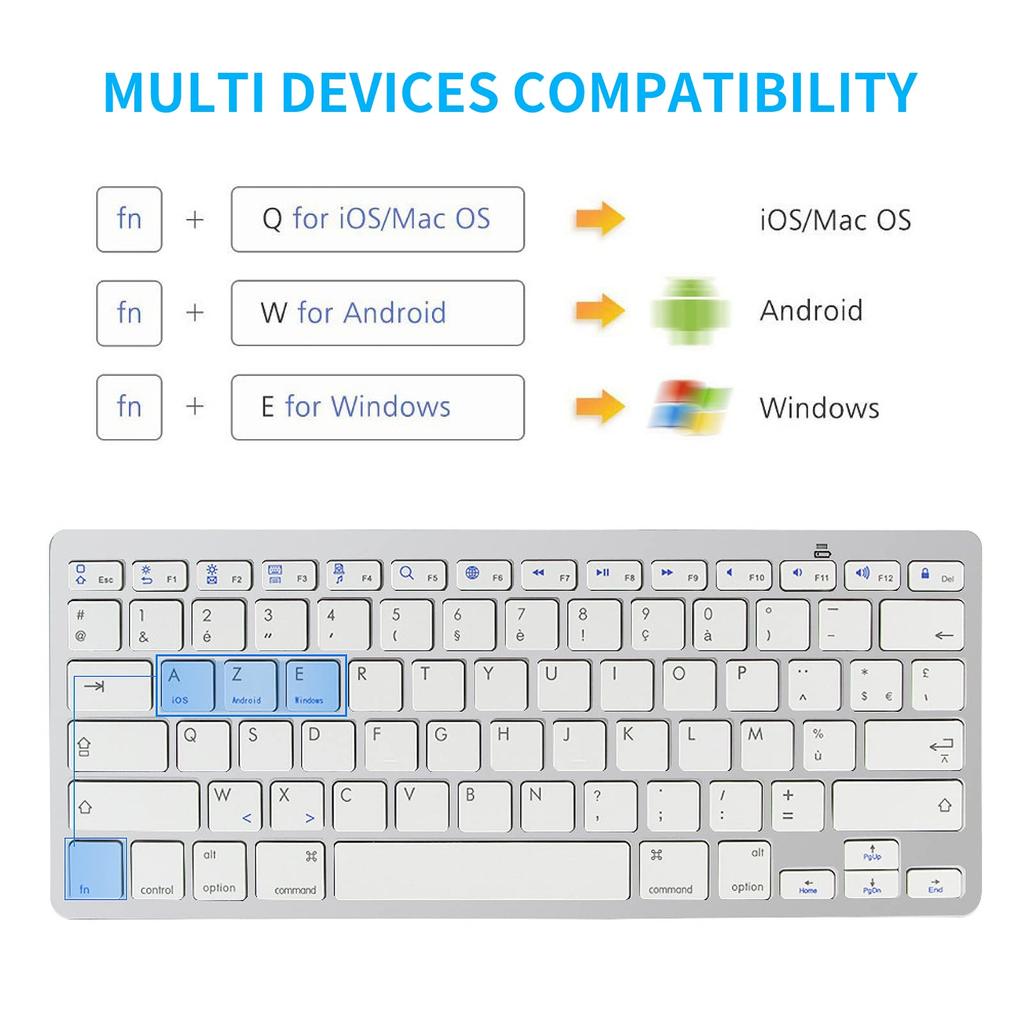
Applicable Systems: For iOS, Android, Windows
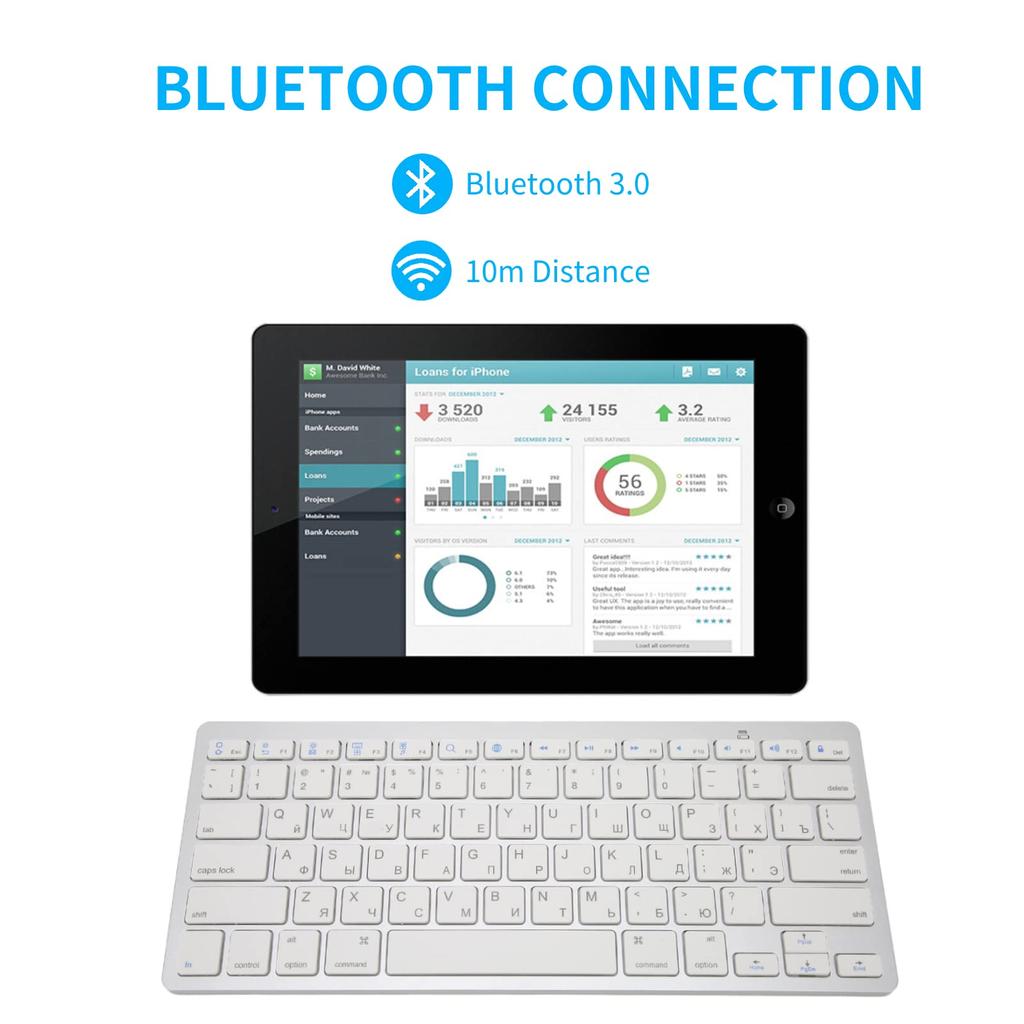
Connection Method: BT3.0 Wireless
Wireless Range: Approx. 10m / 10.9yd
Batteries: 2 AAA batteries (not included)
Language Switching Shortcuts:
1. For OS X: Ctrl + Spacebar
2. For Windows: Shift + Ctrl (Note: The language switching key on the Korean keyboard is only available on Windows. When using an OS X or iOS tablet, you can only switch languages using Ctrl + Spacebar.)
Package List:
1 x Wireless Keyboard (Batteries Not Included) 1 x User Manual
Note:
1. This product does not include AAA batteries. AAA batteries are sold separately.
2. This is not the original OS X system keyboard, but it does support the OS X system.
3. The new and old versions of this product are shipped randomly, so please make sure you understand before ordering.
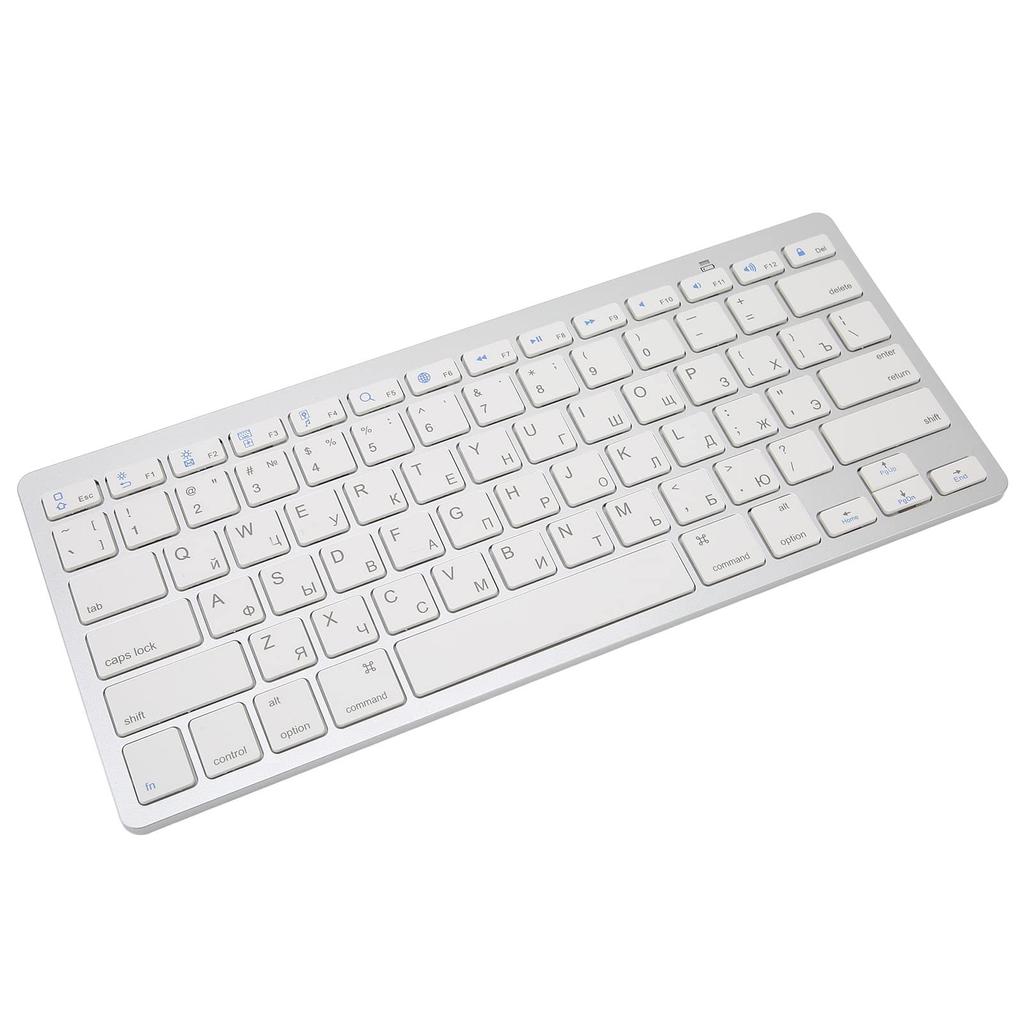
Portable Russian Bluetooth Keyboard: High-performance Bluetooth chip, fast connection, and a connection distance of up to 10m.
System Switching: For iOS/OS, X is switched to FN + Q, for Android, FN + W, and for Windows, FN + E.
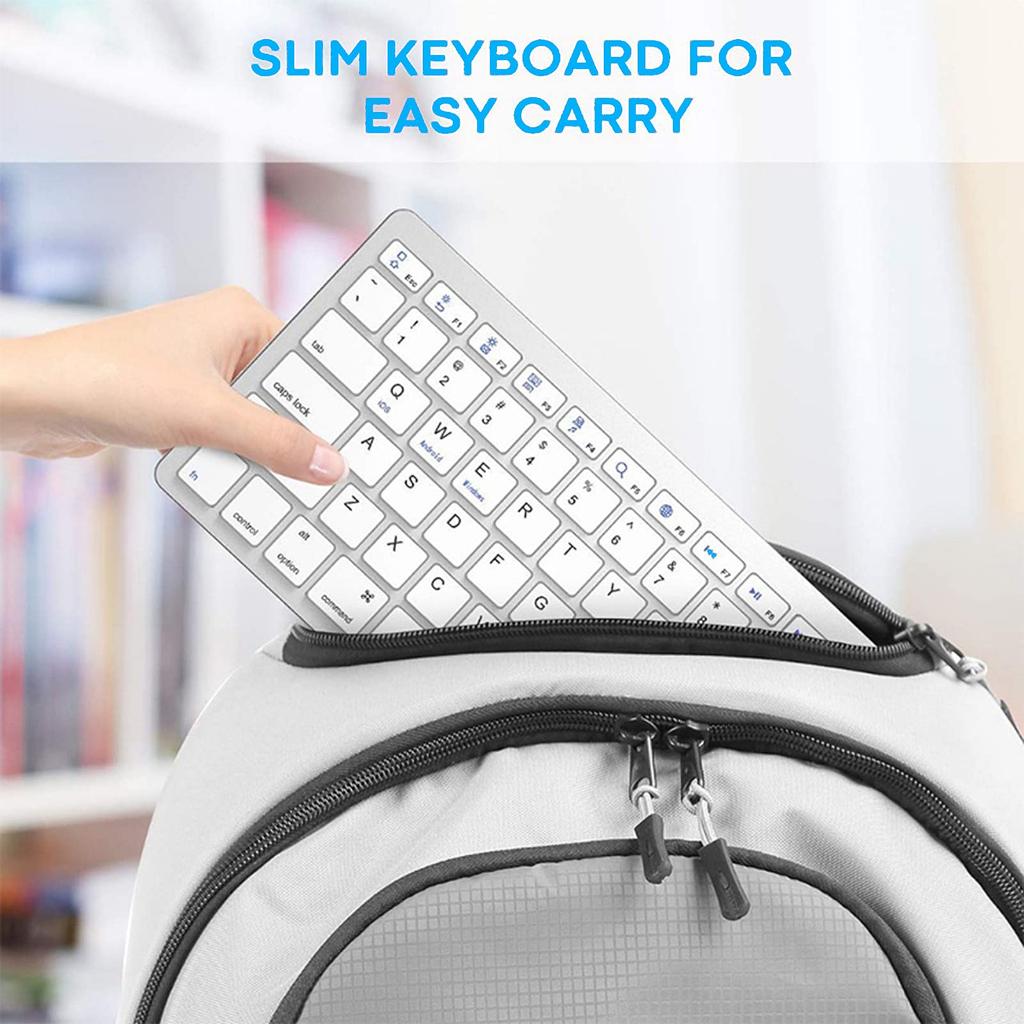
Portable: With dimensions of 285 x 120 x 18mm/0.9 x 0.2 x 0.4in and a weight of 273g, it fits in a backpack and is easy to carry. Suitable for travel, business trips, libraries, coffee shops, etc.
Power-saving: With a power switch on the back, you can turn it off when not in use to save power.
Multi-system compatibility: This Bluetooth keyboard is compatible with Android, iOS, Win8, and general computer systems, and is suitable for various types of mobile phones and tablet devices (Bluetooth function required. For desktop computers without Bluetooth, a Bluetooth adapter will need to be purchased separately). You can enjoy the keyboard operation experience on all your mobile devices.





 Reembolso por não entrega