----------------------------------------------------------------------
【Voltage Compatibility】
When using electrical appliances, please note that they are designed for Japanese voltage specifications (90-110V), so if you use them with a different voltage, it may cause a malfunction.
【Plug Type】
Our products use Japanese plug types (A or B type).
Please use a conversion adapter if necessary.
【Important Note on Transformers and Adapters】
A transformer adjusts voltage to match your device’s requirements.
A conversion adapter only changes the plug shape and does not adjust voltage.
Using only a conversion adapter without a transformer may result in damage to the product.
【Liability】
We are not responsible for malfunctions or damages caused by improper use, such as operating the product without a transformer.
----------------------------------------------------------------------
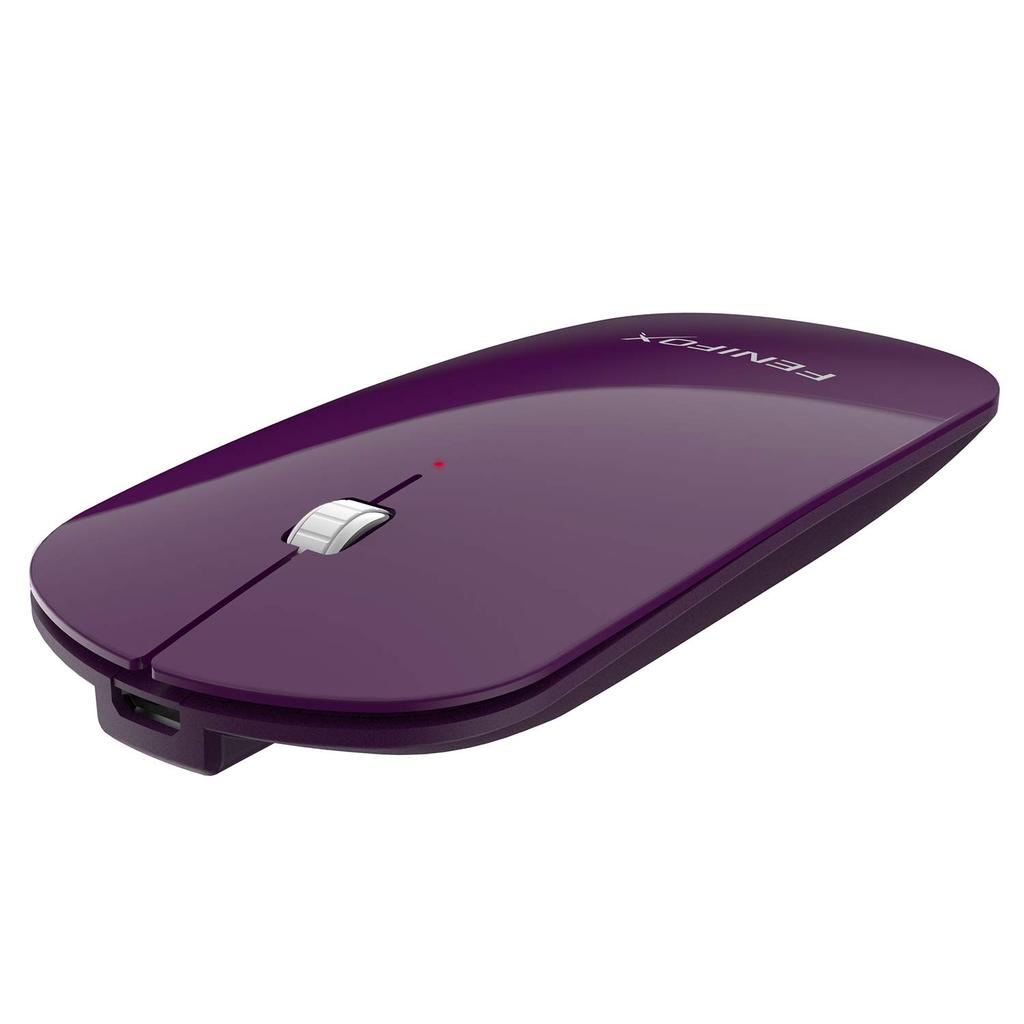
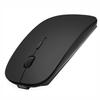
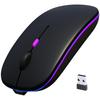
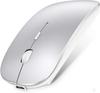
[Ultimate Lightweight]: 16mm flat plate design, 49g lighter. Made of ABS+PC material, ultra-thin and lightweight. No need to use a USB port. The best choice for traveling.
[Quiet]: Left and right mute buttons, noise canceling, suitable for libraries, conference rooms, coffee shops, etc.
Eco-friendly and energy-saving: Independent power switch, 1.85Wh polymer lithium battery, no battery replacement required, approximately one hour charge time, over 100 charge/discharge cycles
[Easy to connect]: It remembers the first pairing and connects automatically, and can be started up by pressing a button. It is compatible with all Bluetooth versions of devices.
[Easy to use]: High-sensitivity optical chip, independent pairing button, three gears for adjusting DPI, power indicator/pairing indicator, communication distance up to 10 meters
[Product Specifications]
Compatible OS: Windows 2000/ME/XP/Vista/7/8/10
Resolution: 3 DPI 800/1200/1600
Built-in software and interface, Bluetooth compatibility: 2.0/3.0
Radio wave reception range: 10 meters (*Depending on the environment)
Motion recognition: Optical sensor
Size: 11.5cm x 5cm x 1.4cm (L*W*H)
Weight: 45g (including built-in)
Set contents:
1 x Mouse
1 x Charging Cable
1 x Instruction Manual
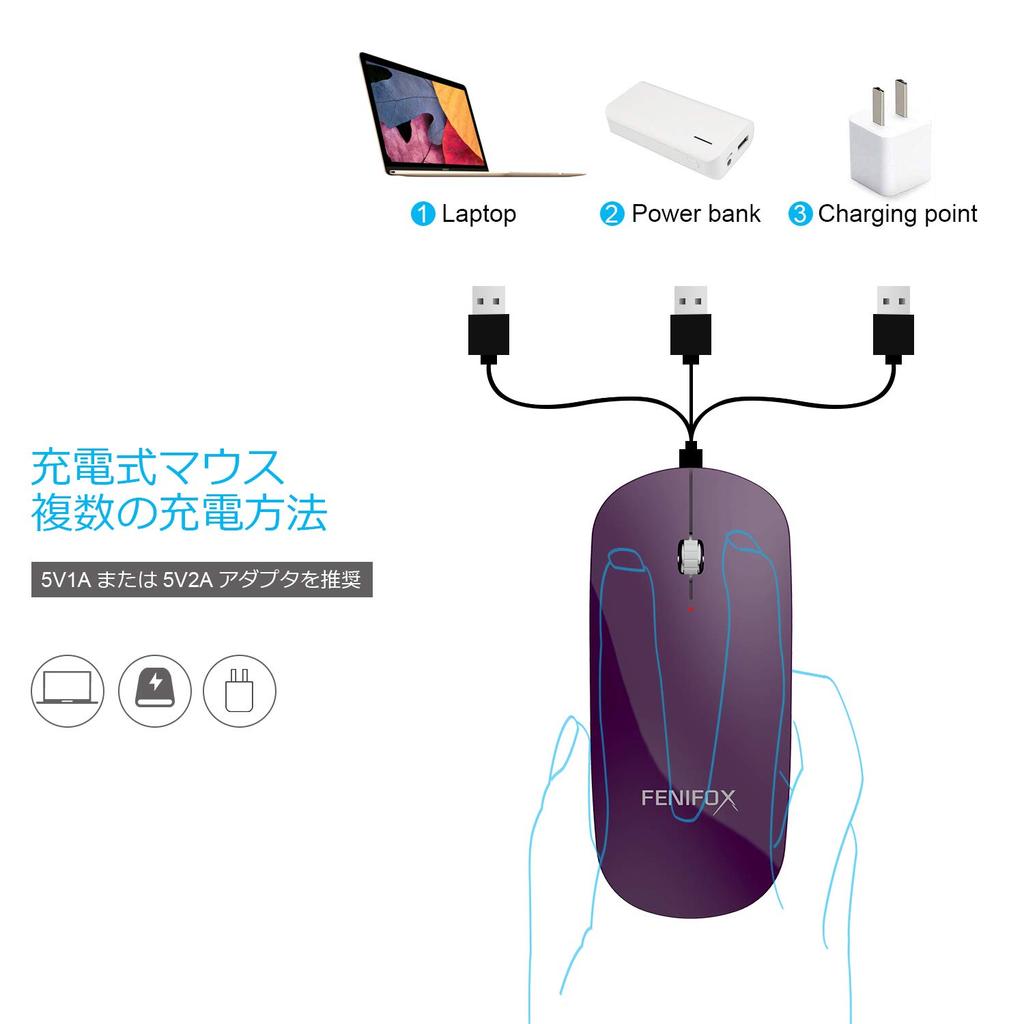
[Charging procedure]
1. Before charging the mouse, power it on.
2. For the first time, charge the battery when it is completely empty.
3. It takes 2 hours to fully charge (approximately 168 hours of use).
Charging: Red light on Fully charged: Red light off
[How to connect to a mouse]
1. Turn on the power switch of this product.
2. Press the "Pairing" button on the bottom until it flashes blue.
3. Find the Bluetooth icon in the stack tray (notification area).
4. Connect to your computer.
Note: If you are unable to connect, please delete the existing Bluetooth icon and re-download it.
*Power saving mode:
To reduce battery consumption, this product will enter sleep mode if no mouse operation is performed for more than 8 minutes.
When you touch the mouse, the sensor reacts and the power turns on.