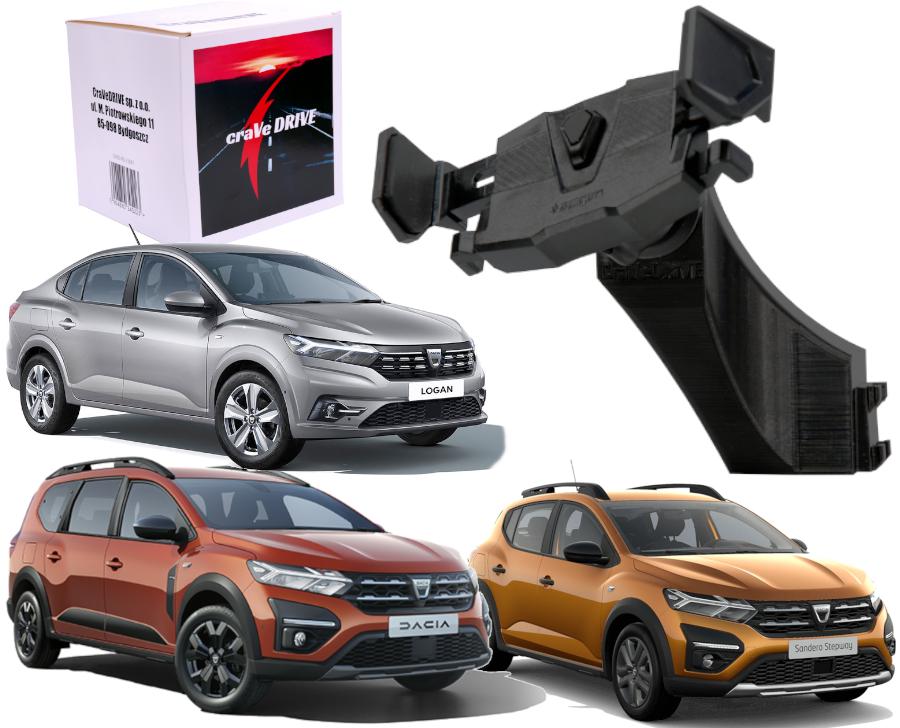
Automatic Phone Holder Dedicated for Dacia Vehicles:
- Dacia Sandero 3
- Dacia Jogger
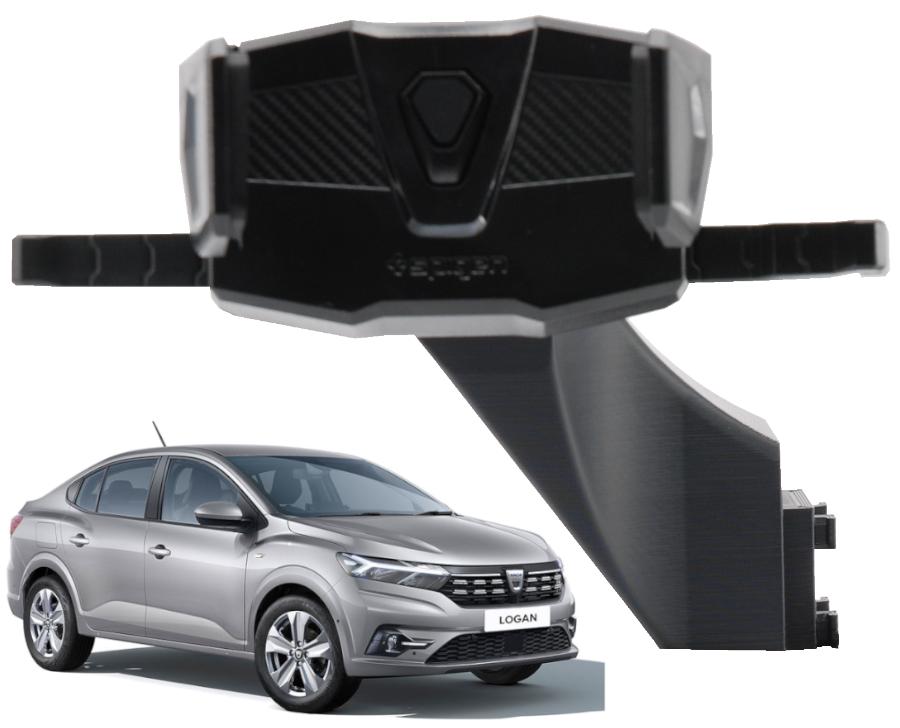
- Dacia Logan 3
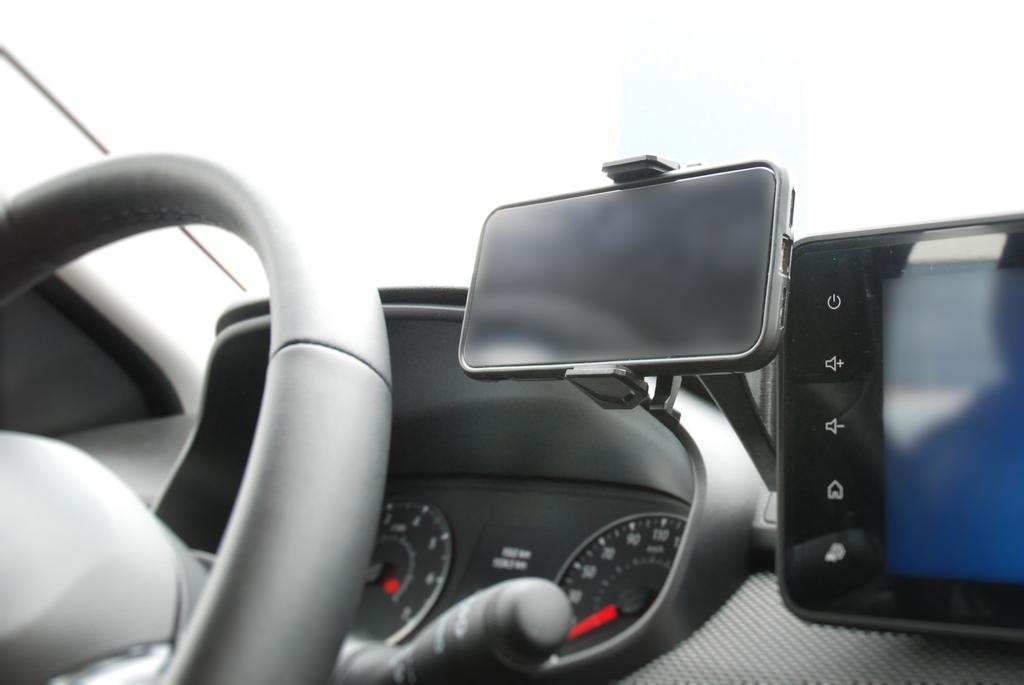
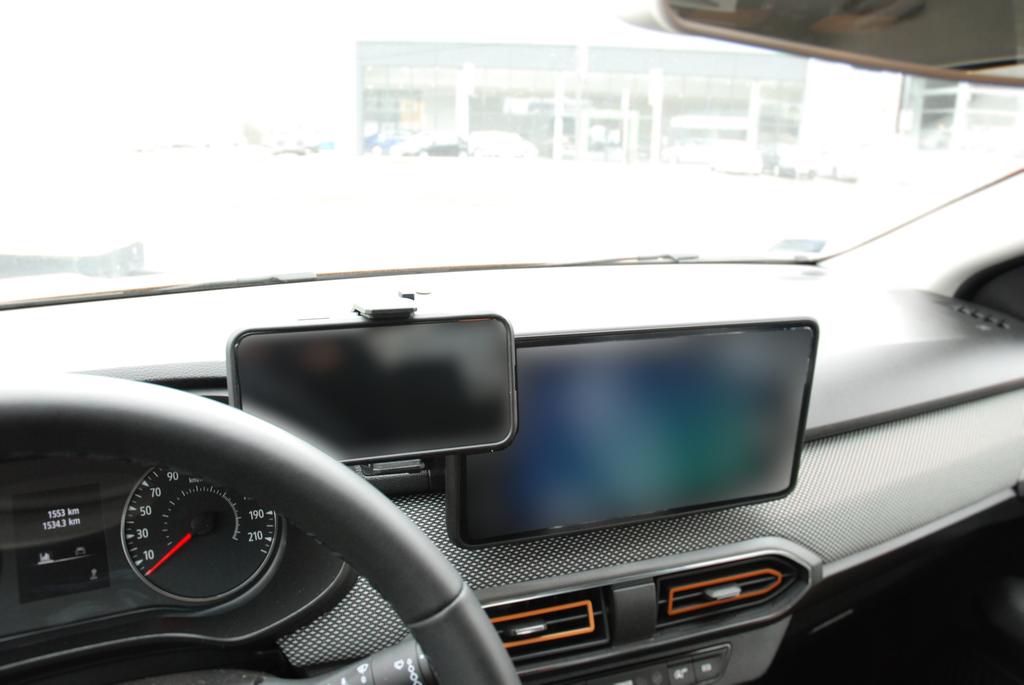
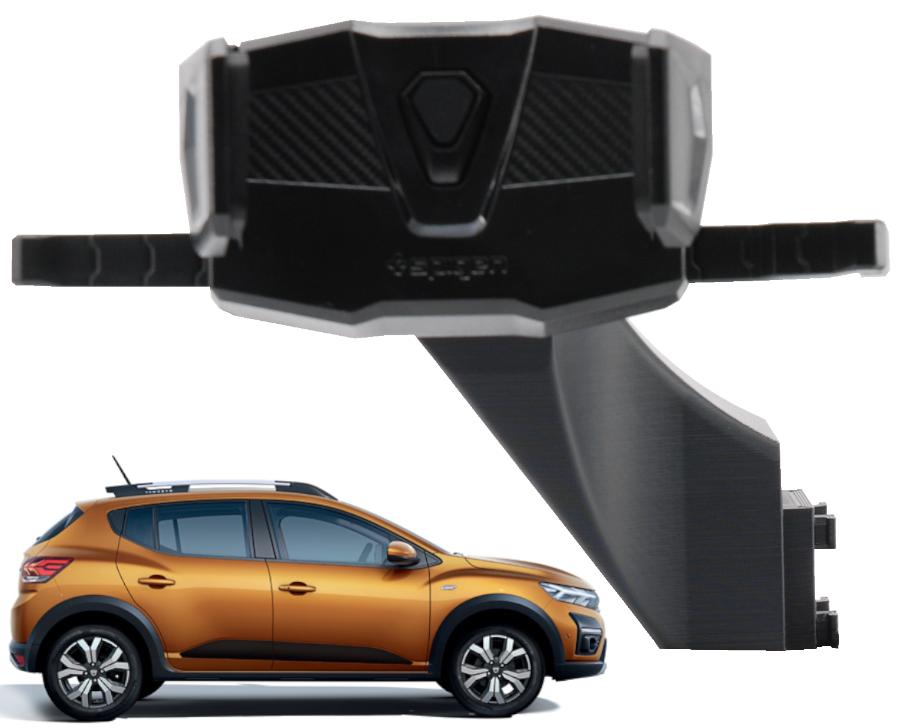
The holder is mounted in place of the factory-installed phone mount – for cars equipped with the Media Nav Evolution system.
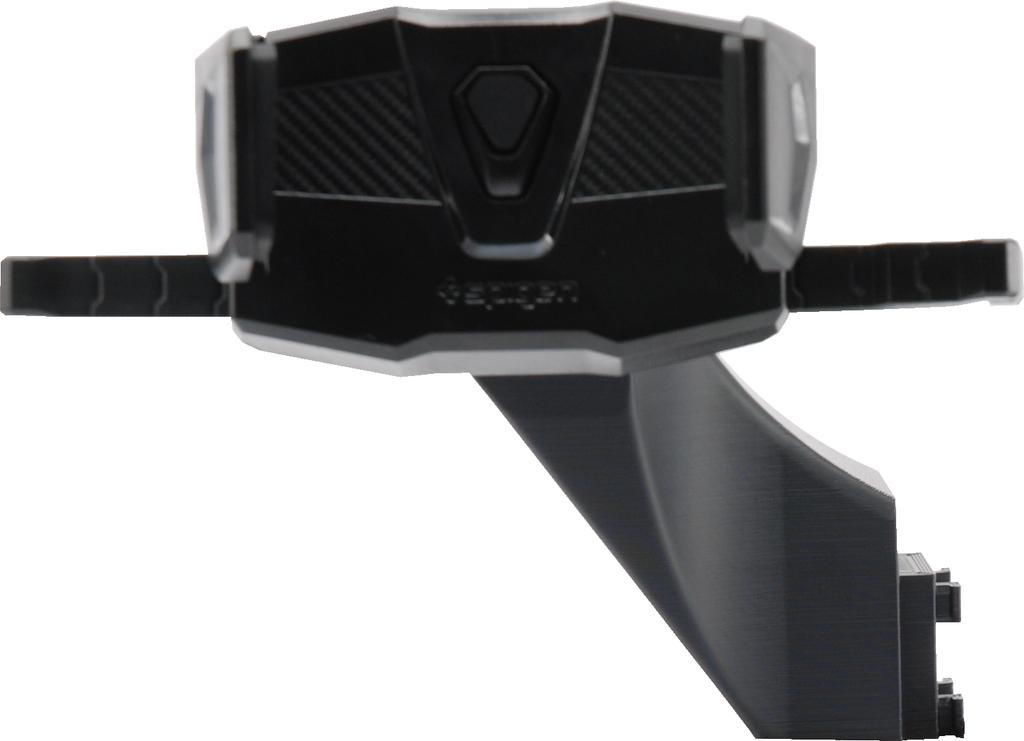
The ultra-strong CLICK-type head ensures a stable grip, even when driving through the toughest terrain.
Thanks to its perfect fit, the arm remains extremely stable.
A dedicated solution, specially designed for DACIA vehicles.
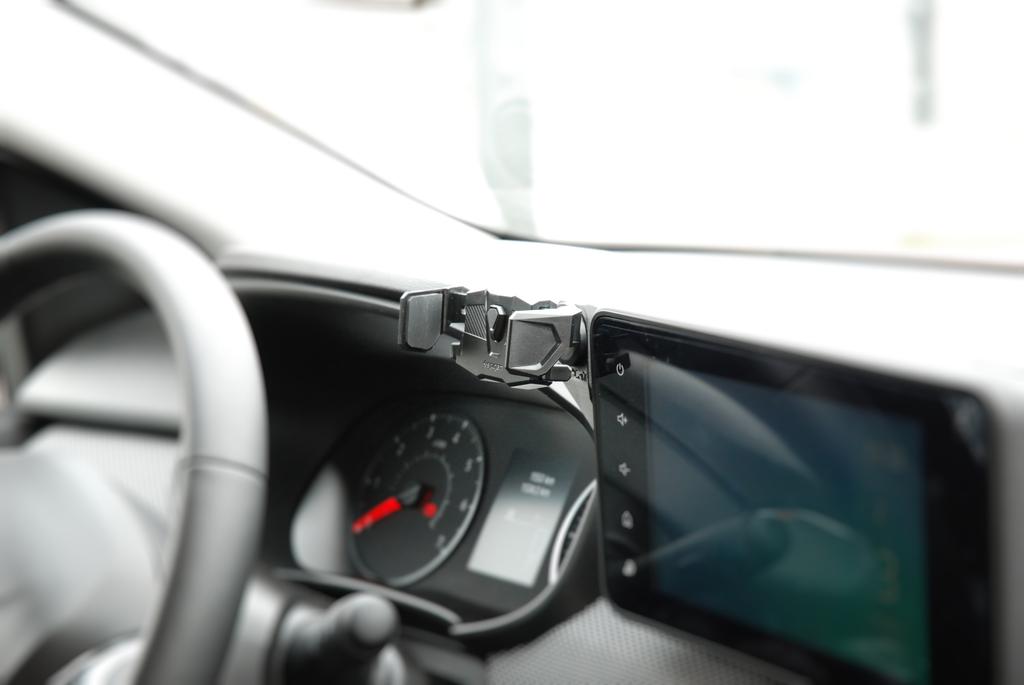
Installing the holder is very simple – it slides into the factory mounting clips located on the left side of the multimedia screen.
Holds securely in all conditions. NO drilling or glue required!
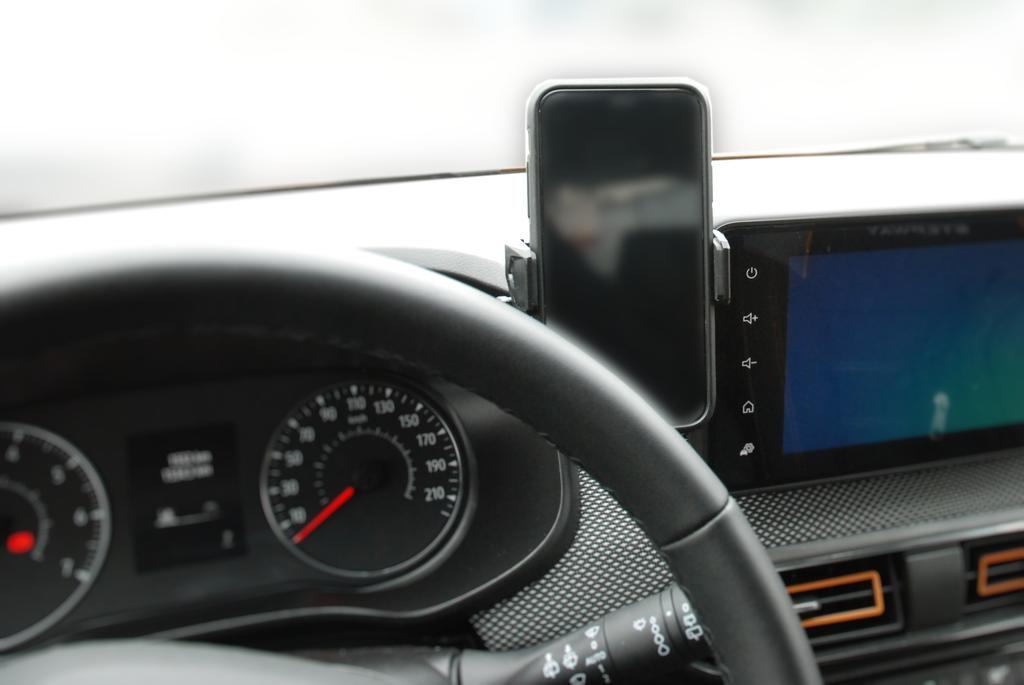
Fully adjustable with 360° rotation. The phone can be positioned both vertically and horizontally.
The optimal design allows easy access to the USB port.
Its ideal location next to the steering wheel provides convenient access to your device without blocking the multimedia screen.
Maximum convenience – attach and remove your phone from the holder with one hand, in the blink of an eye, without unnecessary movements.
Key Features of Our Phone Holder:
✅ Automatic clamping system allows for quick and easy mounting of the phone in any condition.
✅ Rotating head enables adjustment in all directions.
✅ Soft, pleasant-to-touch rubber finish prevents shifting and scratching of the phone.
✅ Perfect fit – our dedicated solution is a great match for Dacia Sandero 3, Dacia Jogger, and Dacia Logan 3 equipped with the Media Nav system. You'll never have to search for the ideal holder again.
✅ Universal compatibility – fits all smartphone models available on the market.
Supports even the heaviest phone models!
⚙️ Specifications:
Color: BLACK
Perfectly blends with the car’s interior thanks to a specially designed pattern on the holder arm.
Supports all devices with a width between 58mm and 89mm.
Equipped with an automatic clamping feature – simply press the phone into place and the arms will clamp automatically for a secure hold.
PACKAGE INCLUDES:
Dedicated Phone Holder for DACIA vehicles by CraVeDRIVE
Installation Manual


 No-delivery refund