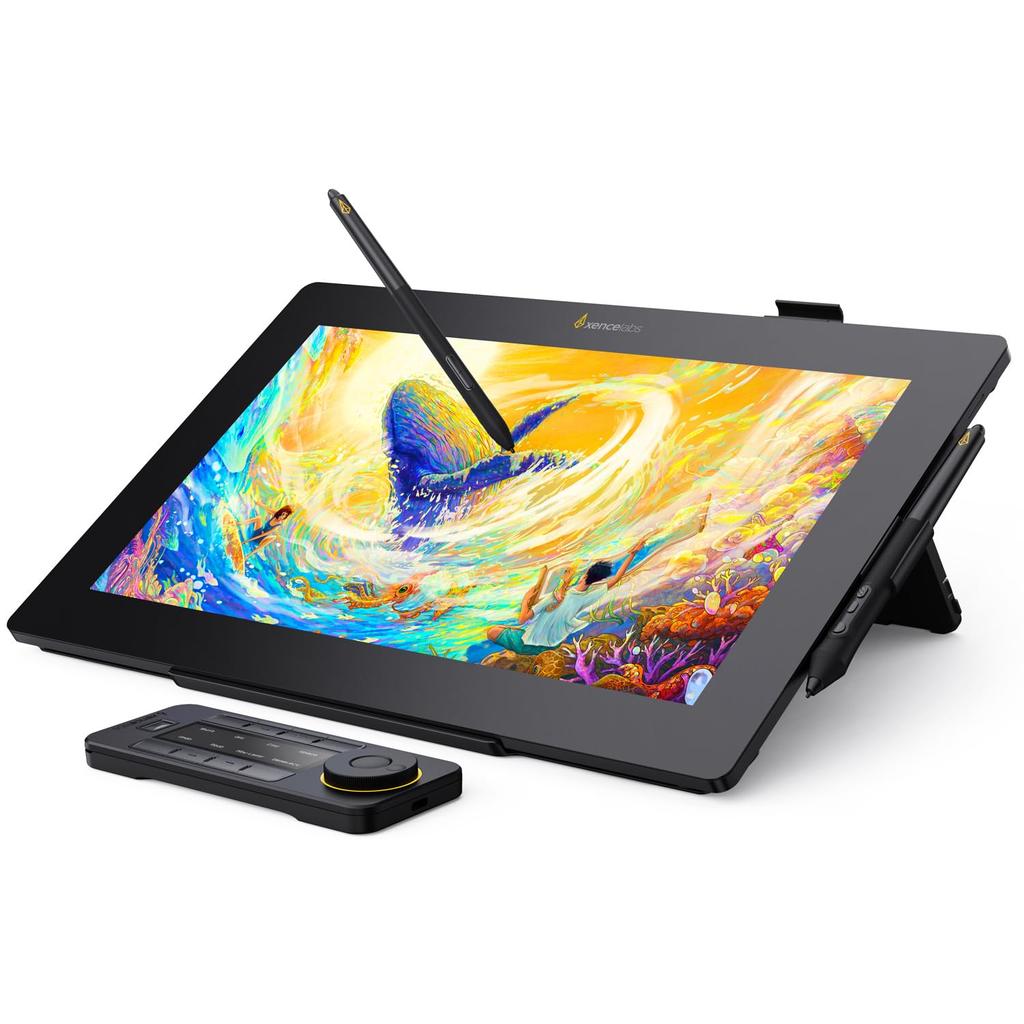
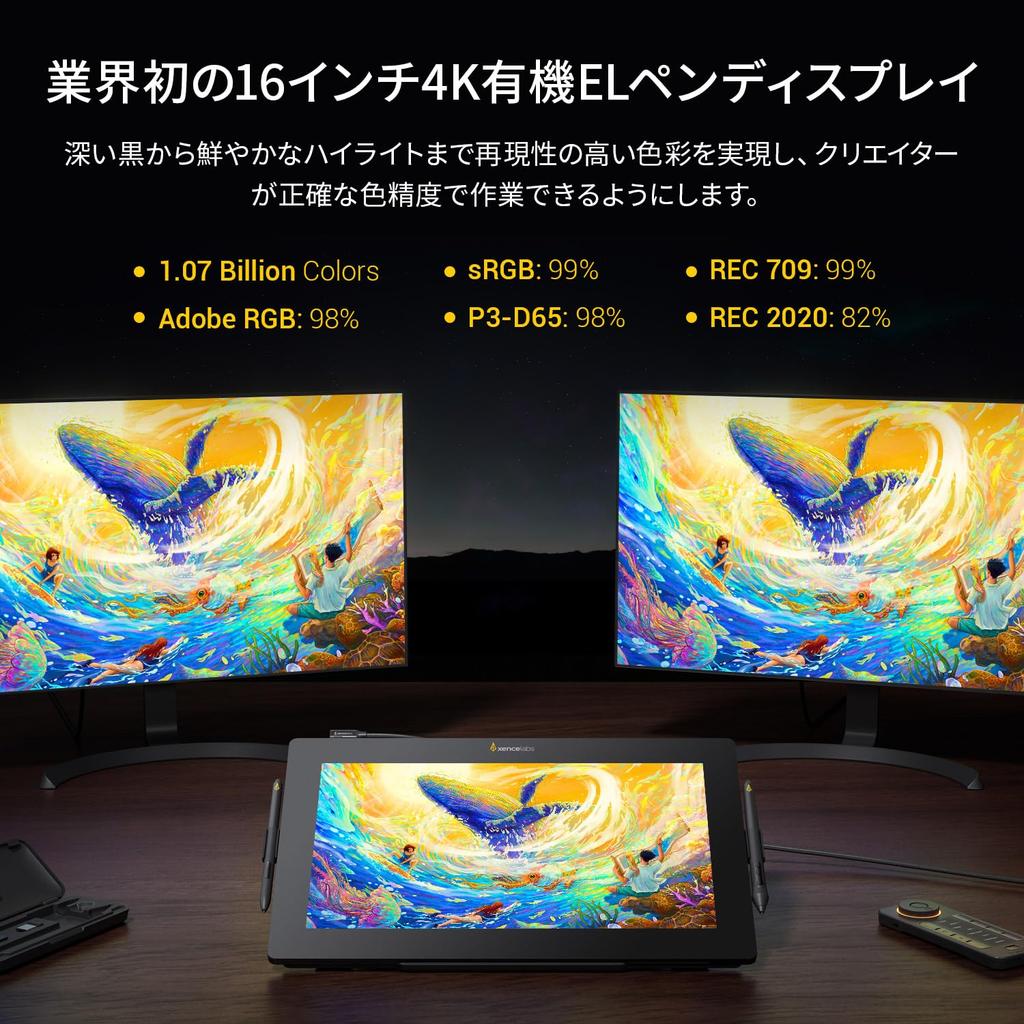
[Ultra-Thin Portable + 4K OLED Screen + Preloaded Color Spaces] The Xencelabs Pen Monitor 16 features a sleek, ergonomic design and a 16-inch OLED screen. It's just 12mm thin and weighs just 1.2kg, making it easy to carry and suitable for a variety of work environments. The stunning 4K OLED screen delivers 1.07 billion colors, from deep blacks to vibrant highlights, allowing creators to work with precise color accuracy. It also comes with convenient preloaded color spaces, including 98% Adobe RGB, 99% sRGB, 98% P3-D65, 99% REC 709, and 82% REC 2020, five color gamuts used in various industries, allowing you to work as needed without having to calibrate the monitor.
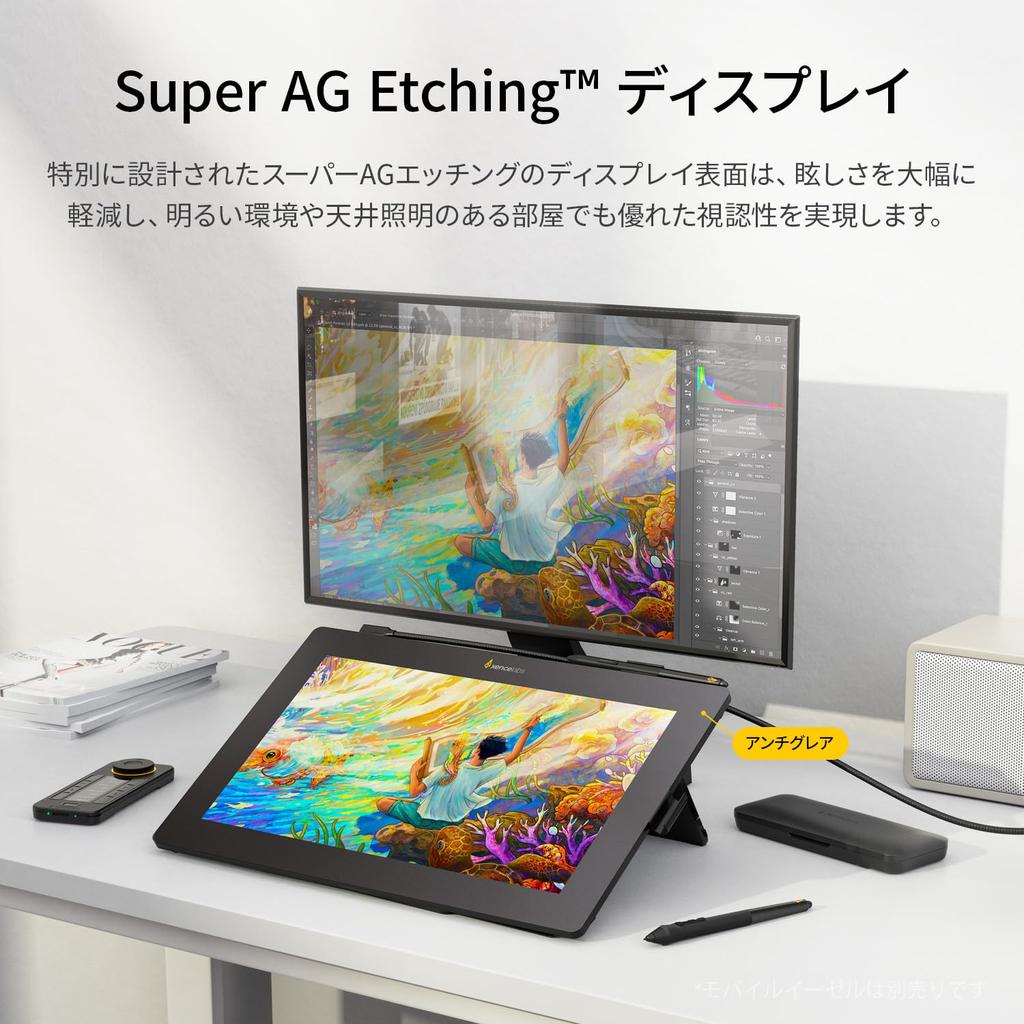
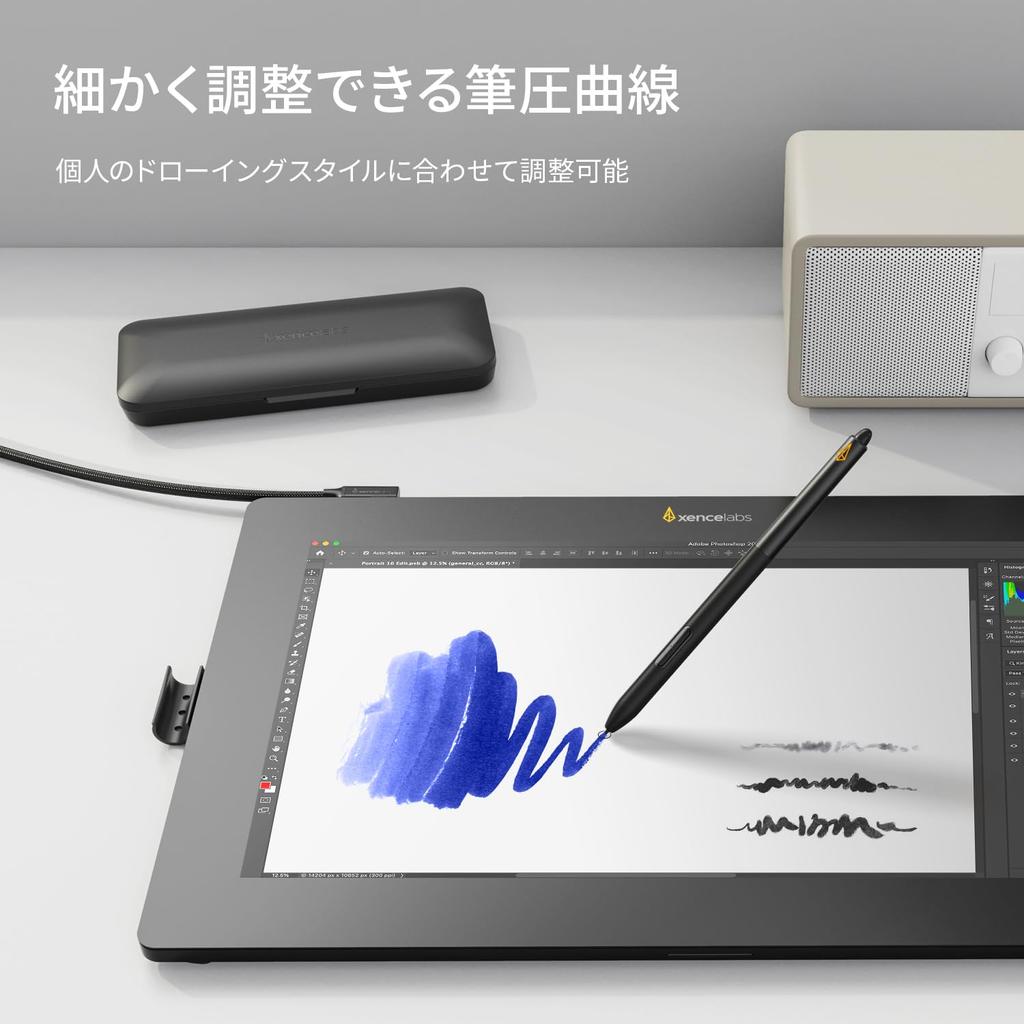
Super AG Etching + Optically Bonded Screen + Adjustable Pressure Curve: The Xencelabs Pen Display 16 features a specially designed Super AG Etching display surface, which significantly reduces glare and provides excellent visibility even in bright environments or rooms with overhead lighting. The Pen Display 16's optically bonded screen eliminates parallax, delivering bright, clear images. The pressure curve can be adjusted from an initial force of 3g to 500g, enabling everything from delicate strokes to powerful, bold lines, and everything in between. This pressure curve was carefully tuned in collaboration with artists who provided pressure data. Whether you apply strong or light pressure, it provides precise, sensitive control. The pen's response can be adjusted to suit any drawing style. The textured surface allows for unparalleled control of the pen. The friction between the pen tip and the screen creates a truly pen-on-paper drawing experience.
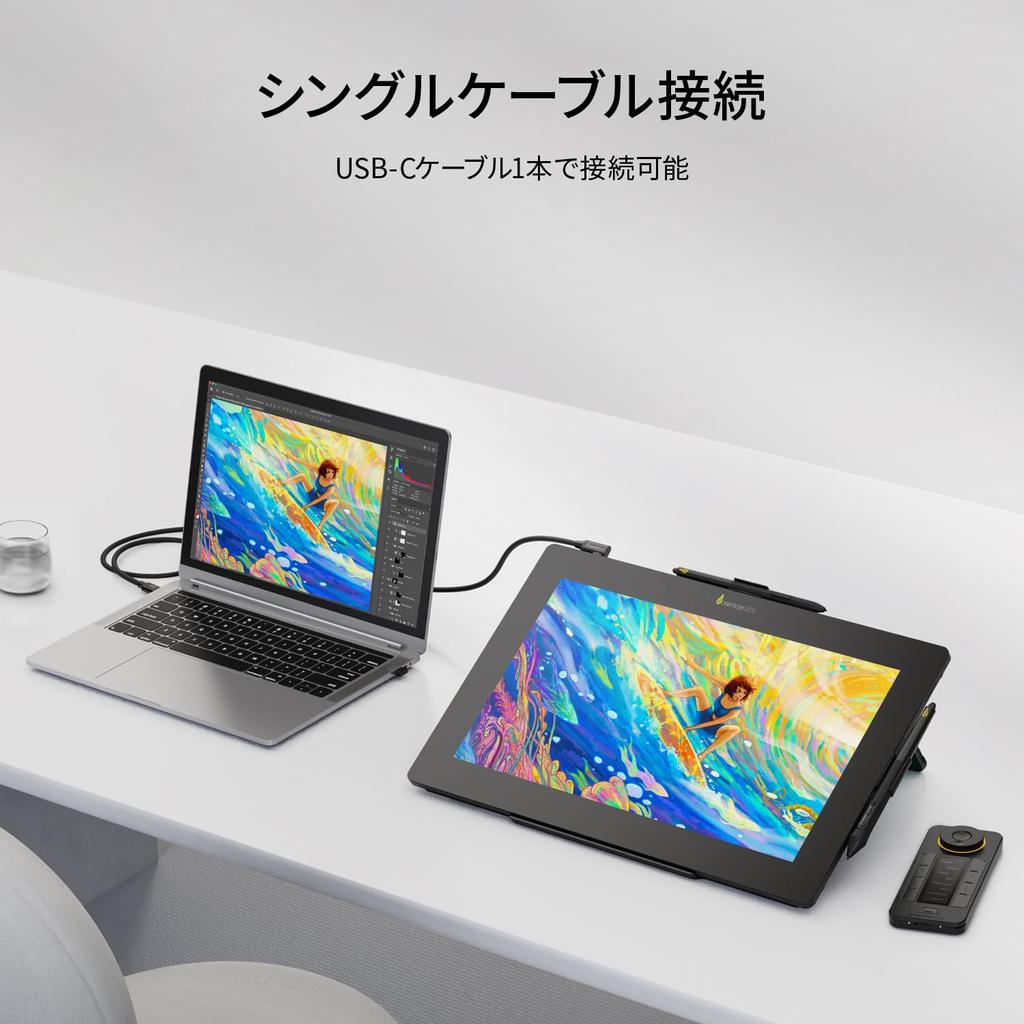
[Easy Connection + Two Pen Types with Case + Fanless Design] ★A single USB-C Alt Mode cable connects the Pen Display 16 to your computer and provides 15W of power. This setup offers a clean connection and a comfortable display position, making it ideal for working on the go. For computers without USB-C Alt Mode display ports, the included hub* enables USB-C, HDMI, and DisplayPort connections, achieving high brightness of up to 300 cd/m². ★Two pen types are included: the 3-Button Pen v2 and the Slim Pen v2 (marked by the yellow logo on the pen barrel). Both feature an eraser function, which can be assigned separate settings for different uses. The eraser can also be configured for other functions. ★The magnesium alloy back housing allows for rapid heat dissipation without the need for a fan, preventing overheating and allowing for a more comfortable creative experience.
[Quickies + Mobile Easel] The Xencelabs Pen Display 16 comes with Quickies. ★Xencelabs Quickies allows you to customize up to 40 shortcuts for each application with 8 buttons and 5 combinations. The dial features 4 modes, including zoom, rotation, and brush size. It supports all application functions that allow you to set shortcut keys. ★The Mobile Easel* has tilt angles of 18° and 32°, allowing for various drawing positions and ensuring comfortable use at all times. (*Included only with the Pen Display 16 bundle)
High Compatibility and Adaptability + Simple, Easy-to-Understand Driver Interface: The Xencelabs Pen Display 16 is highly compatible and adaptable, supporting Windows 7 and later, Mac OS X 10.12 and later, and Linux. The Xencelabs driver also features a modern, intuitive interface. The settings panel allows you to easily customize Quickies, pressure sensitivity, pen buttons, and more. Regular updates ensure the driver is always up-to-date and reliable. The Xencelabs Pen Display 16 comes with all the accessories you need to get started right out of the box. The Pen Display 16 includes a pen case that can accommodate both the 3-button pen and the slim pen, 10 replacement nibs (6 standard, 4 felt, and an extractor), a wireless receiver, a USB-A to USB-C adapter, a hub*, a mobile easel*, drawing gloves, and a carrying case* to store everything.



![[2025 Edition] XPPen Upgraded 15.4-inch Artist 15.6 Pro V2 LCD Tablet with X3 Pro Pen, Drawing Software, Compatible with Android, Windows, and macOS](https://img.joomcdn.net/d9ea4ac85cc6c08b7711c3145a94033340c2a1b0_100_100.jpeg)